Nov 11, 2025
Reverse Video Search Online: A Practical Guide

Quick map (what’s inside):
- Why finding a video origin is so hard
- How to capture the perfect keyframe
- The best search engines for the job
- How to analyze your search results
- Advanced tactics for tough searches
- Frequently asked questions
Ever found a random video online and thought, “Where did this actually come from?” A reverse video search online is your answer, but it’s not quite as simple as a regular Google search. Videos are complex, and there’s no single magic button to trace them back to the source.
Why Is Finding a Video Origin So Hard?
Most people don’t realize this, but tracking down a video’s origin is basically digital detective work. The biggest hurdle is that videos are constantly copied, edited, and re-uploaded across countless platforms. Each time that happens, the trail gets colder.
When a video gets shared somewhere new, it’s almost always re-encoded, which changes its digital makeup. To make matters worse, all that useful metadata, like the original creation date, the camera used, or the author’s name, is usually stripped clean. This is exactly why searching for a clip by its filename almost never gets you anywhere.
You’re left with just the visual content itself.
The Keyframe Solution
So how do search engines like Google and Yandex solve this puzzle? They don’t analyze the entire video. Instead, they use a clever workaround by focusing on still images. The whole process of a reverse video search comes down to one key concept: turning a moving picture into a set of searchable snapshots, known as keyframes.
This strategy is surprisingly effective for a few reasons:
- It simplifies the data. A single image is way easier for a search engine to analyze and compare than a massive video file containing thousands of frames.
- It uses existing tech. Search engines are already great at reverse image searching, so this method just builds on that.
- It provides unique clues. A distinctive frame from a clip can act like a fingerprint, pointing you to all the other places that exact moment appears online.
This approach has become a cornerstone of content verification. In North America, over 60% of media organizations now use reverse video search in their fact-checking. The demand has grown so much that European content authenticity regulations have spurred a 40% increase in adoption since 2023. You can dive deeper into these trends in this full report on the video search market.
Understanding this is the first step. Now let’s get into the practical side of things and show you exactly how to capture those perfect keyframes and use them to find what you’re looking for.
How to Capture the Perfect Keyframe
The success of your reverse video search depends almost entirely on the quality of the image you feed the search engine. You need to pull a perfect keyframe, which is really just a fancy way of saying a high-quality, information-rich screenshot.
A bad keyframe is a dead end. If it’s blurry, too dark, or too generic, you’re giving the search engine nothing to work with. It’s like asking a detective to solve a case with a smudged clue. You need a frame that’s clear, unique, and packed with detail. That’s usually the trick.
We’ll look at two ways to get this done. The first is the classic manual screenshot, and then we’ll dive into some automated tools that can make life easier.
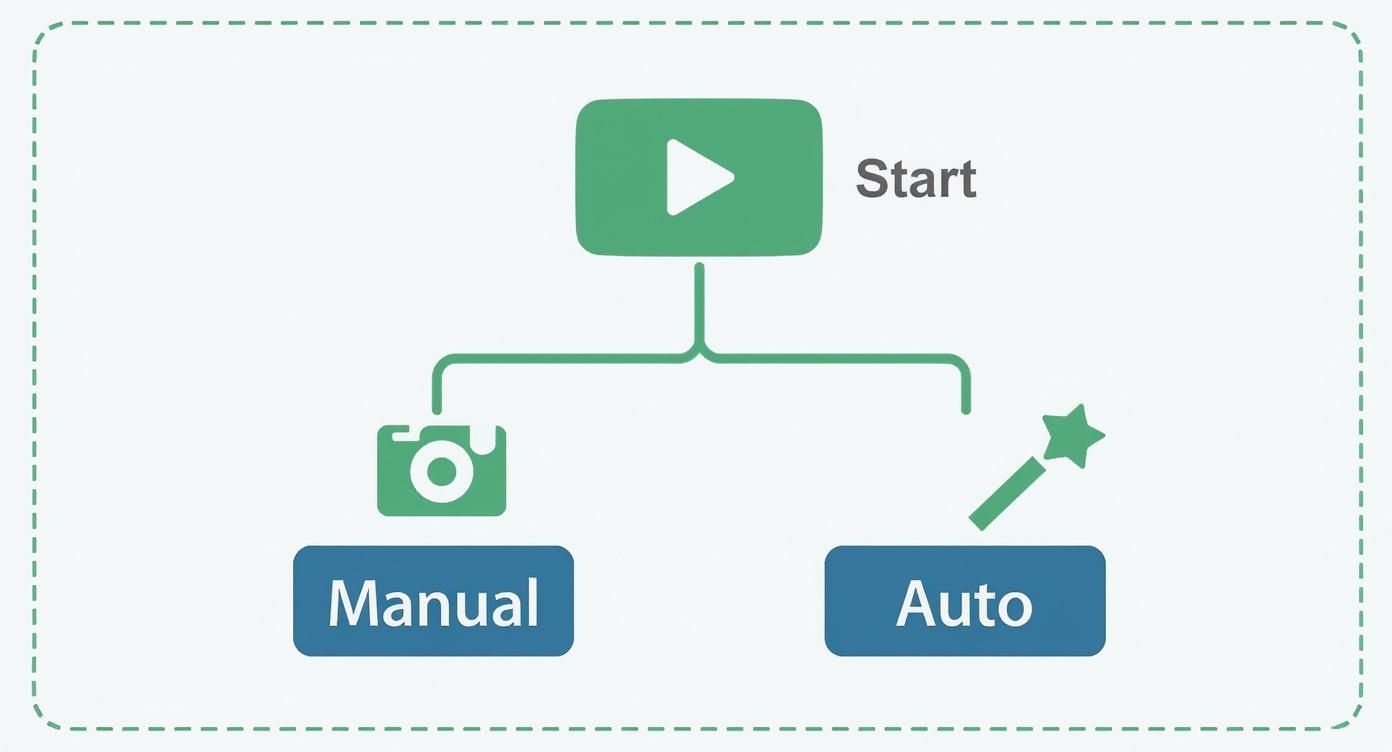
The Manual Screenshot Method
The most direct way to grab a keyframe is to simply take a screenshot. Play the clip, pause it at the perfect moment, and capture the image. It sounds easy, but the real skill lies in choosing the right moment.
Most people just grab a frame with the main subject front and center, but that’s not always the best move. Sometimes the most searchable clue is in the background.
When you’re scrubbing through the scene, keep your eyes peeled for:
- Distinctive objects: A unique logo on a coffee cup, an unusual piece of art, or a specific product can be easier to match than a face.
- Clear text: Any text is gold. Street signs, license plates, t-shirts, book covers – all great clues.
- Unique backgrounds: Landmarks, architecture, or even wallpaper patterns can give everything away.
- Sharp facial features: If a person is the main clue, pause when their face is clear, bright, and still. Motion blur ruins searches.
Your goal is to find the single frame that contains the most identifiable information. Don’t rush. Scrub slowly through the video until something pops out.
Once you find the right moment, make sure you capture it in the highest resolution possible. If your player lets you pick 1080p or 4K, do it. A crisp image will always outperform a pixelated one.
Using Automated Keyframe Extractors
Manually scrubbing through a long video can be exhausting. That’s where automation comes in. Online services like Reverse Video Search can analyze a video and pull several high-quality keyframes automatically.
It’s like having multiple lottery tickets instead of one. Instead of betting on a single frame, you get 5 to 10, and one of them might have a detail you’d otherwise miss.
These tools are perfect for:
- Long videos: Skip the slog of scanning frame by frame.
- Action scenes: Catch moments that are impossible to pause manually.
- Hidden clues: Algorithms often spot details in corners or reflections that people overlook.
You just upload your file or paste the video link. The tool handles the rest and gives you a gallery of possible frames. Then you choose the best ones for reverse searching. It’s a huge time saver and gives search engines better material to work with.
Once you’ve got your frame, it’s time for the real detective work.
The Best Search Engines for the Job
Google: The Go-To Starting Point
For most searches, Google Images is the easiest place to start. Its index is massive, and uploading a frame takes seconds. Just click the camera icon, upload, or paste a URL.
What to expect:
- Breadth over depth: Google shows both exact and visually similar matches.
- Best for popular stuff: Viral clips, movies, and memes usually show up fast.
- Hidden clues: Sometimes Google gives a “best guess” for your image, a name, place, or object to refine your search.
If you want a walkthrough, check out our full guide on doing a reverse video search on Google.
Yandex: The Face Finder
Yandex doesn’t get enough credit. It’s especially strong at recognizing faces and objects, which makes it perfect when your clip involves people.
If you’ve got a clear face in your frame, try Yandex. It’s surprisingly good at identifying people or pulling results from regional platforms where Google falls short.
Yandex is my secret weapon for tricky cases. It’s shockingly good at finding near-duplicates and content from different regions.
TinEye: The Time Traveler
TinEye works differently. It’s not about “similar” images, it only finds exact matches. That makes it great for tracing where and when an image first appeared online.
Its killer feature? Sorting by date. You can see the earliest upload TinEye ever crawled, which often leads straight to the original source. It also shows all the variations it’s found, cropped, resized, or edited versions.
Reverse Search Engines at a Glance
| Search Engine | Best For | Key Feature |
|---|---|---|
| Popular clips and general searches | Huge index, “best guess” entity detection | |
| Yandex | Faces and landmarks | Superior recognition, strong regional coverage |
| TinEye | Tracing original sources | Chronological sorting of matches |
Using all three together gives you the best coverage. Start broad with Google, get specific with Yandex, and confirm with TinEye.
How to Analyze Your Search Results

Alright, you’ve uploaded your keyframe and now you’re staring at a wall of thumbnails. This is where real detective work starts.
Spot the Clues
You’re not just looking for a match, you’re collecting evidence. Check these details:
- Upload dates: Earlier is usually original.
- Website authority: Big outlets or verified creators trump random meme pages.
- Resolution: Originals tend to be sharper than copies.
The magic combo is an early date, a reputable site, and a high-res thumbnail. That’s usually your winner.
Use “Visually Similar” Results
If you only get similar-looking images, don’t give up. That’s often where context hides. Maybe your frame is part of a longer video or series. These results can point you to related scenes or forum threads discussing the full clip.
Communities like Reddit are great at this kind of crowdsourced digging. Check out our piece on reverse video search takeaways from Reddit for more tips.
Advanced Tactics for Tough Searches
Sometimes you’ll do everything right and still find nothing. That’s when you stop thinking like a computer and start thinking like a person.
Find Clues Within the Video
If the clip is too blurry or heavily edited, focus on details instead of the full frame.
Ask yourself what stands out:
- Landmarks or architecture
- Signs and text (translate if needed)
- Logos or watermarks
- Spoken accents or languages
Even one small element, like a shop name, can break the case. Try pairing it with a keyword like “protest” or “interview” in a Google search.
Check the Context Around the Video
If you found the clip on social media, study the post itself. The username, caption, or comments often reveal where it came from.
Don’t just analyze the video. Treat the whole post like a clue. Every bit of text matters.
Persistence pays off. Good reverse video searches often feel more like detective work than tech.
Frequently Asked Questions
Can I Upload a Video Directly?
Not really. Google and Yandex handle images, not full videos. That’s why keyframes matter so much. Some tools claim to process videos, but they’re just pulling stills automatically. Doing it yourself gives you more control.
Reverse video search isn’t about the video file itself, it’s about the moments hidden inside.
What If It’s Just a GIF?
Short clips are tricky. You get fewer frames, and they’re often low quality. Look for a frame with clear text, a face, or any distinct object. You might need to try a few before getting a match. Patience is key.
Is It Safe and Private?
Yes, if you use trusted tools like Google, Yandex, or TinEye. They process billions of images safely. Just avoid shady third-party sites you’ve never heard of.